Web UI
The web UI lets you generate brackets without using the command line. Start it with:
Then open http://localhost:8080 in your browser.
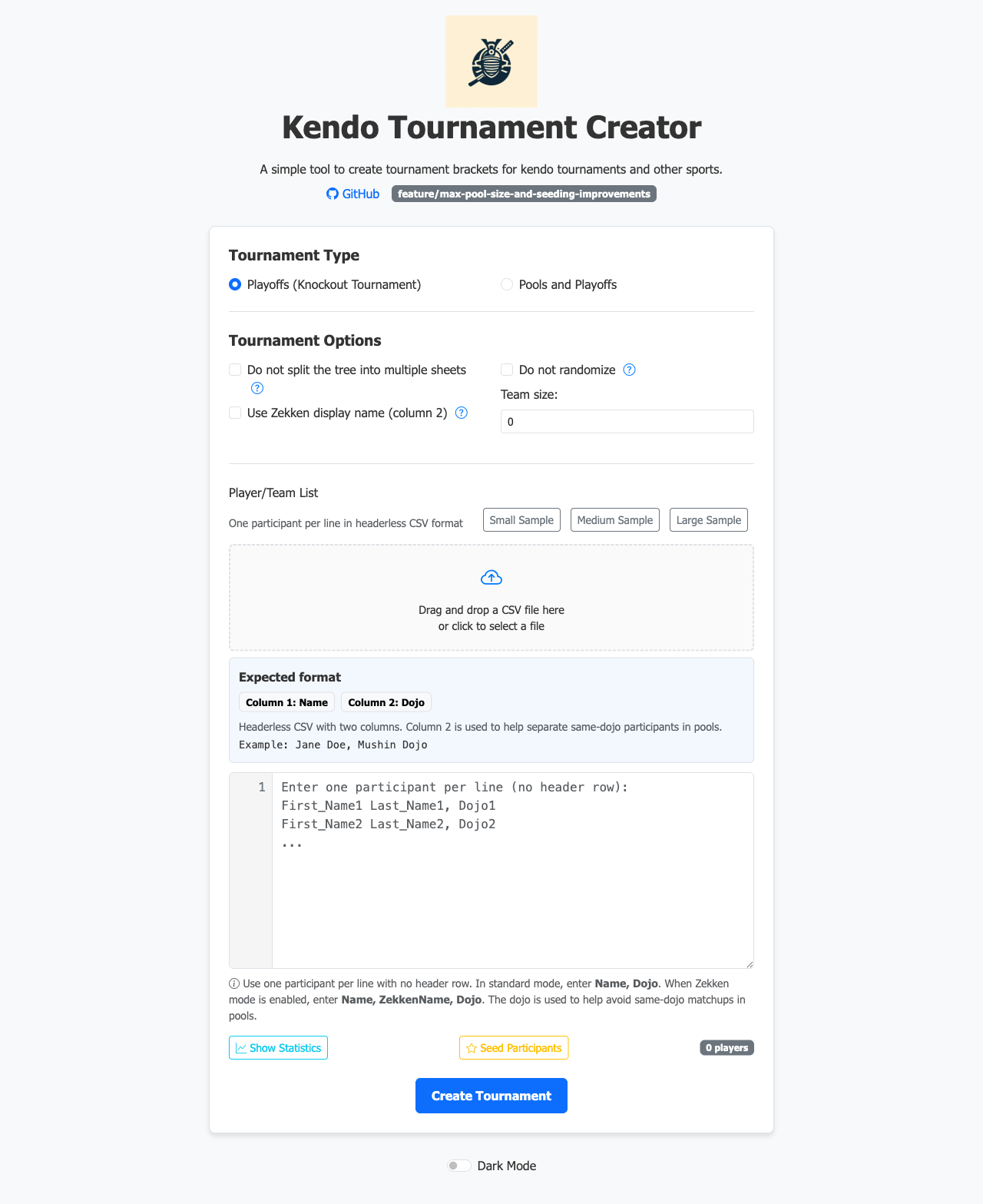
Main screen
Configure the tournament on the main screen: choose the format (Pools & Playoffs or Playoffs Only), set the number of courts, pool sizes, and other options. Upload your participant CSV directly from the browser.
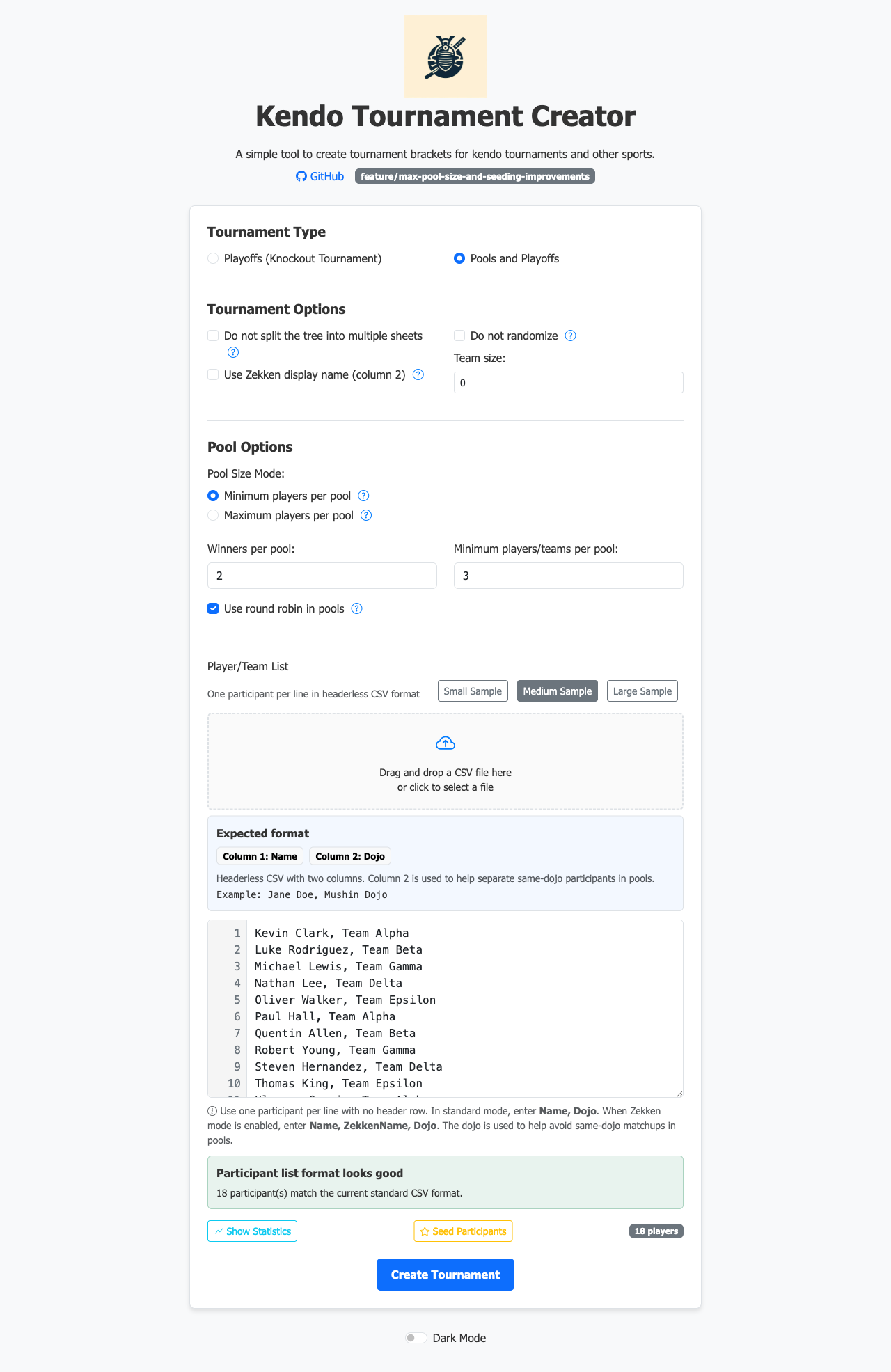
Participant list
After uploading a CSV the participant list is shown for review before generating the bracket.
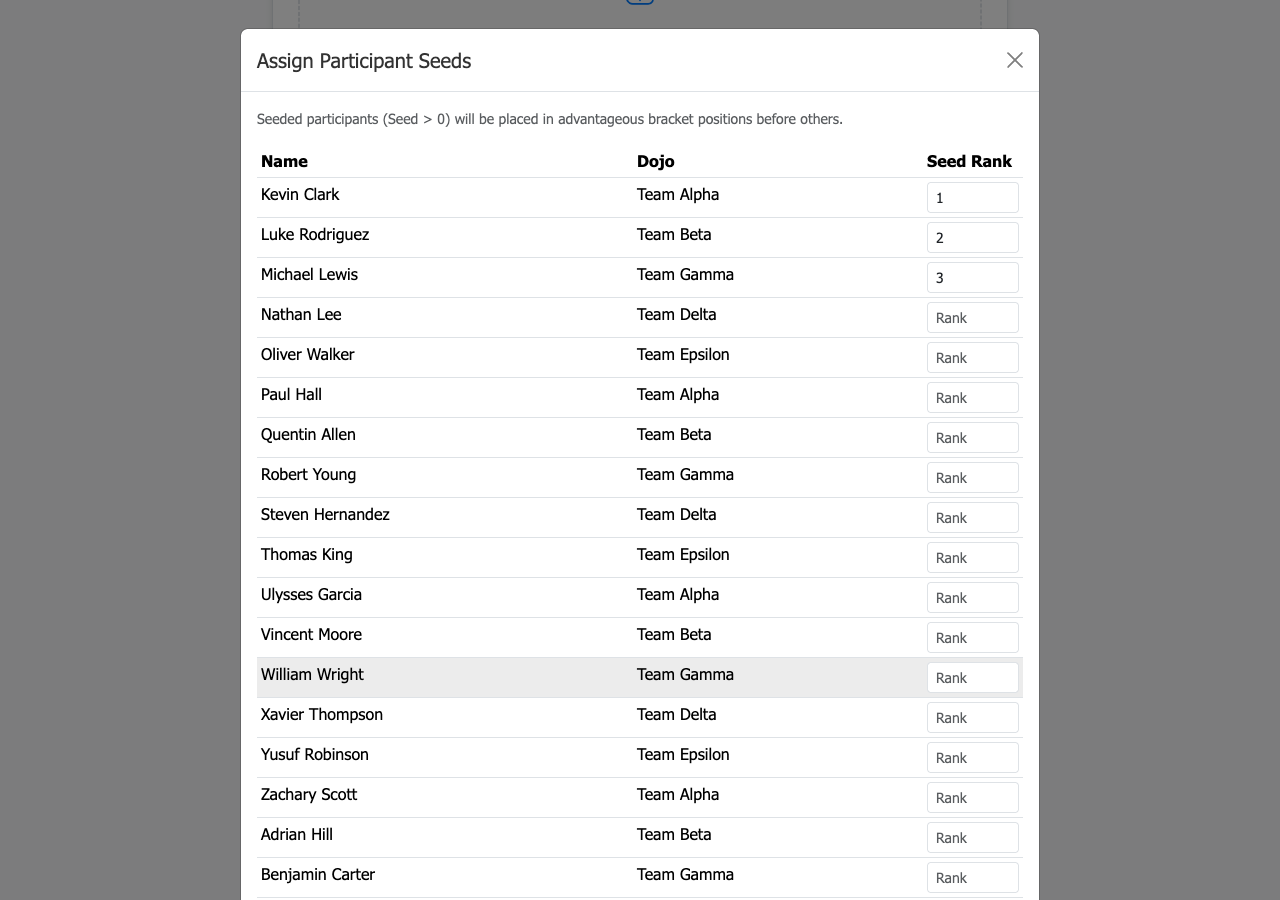
Seeding
Click Assign Seeds to open the seeding modal. Drag competitors into ranked positions or type seed numbers directly. Seeds control which players are kept apart in the early rounds.
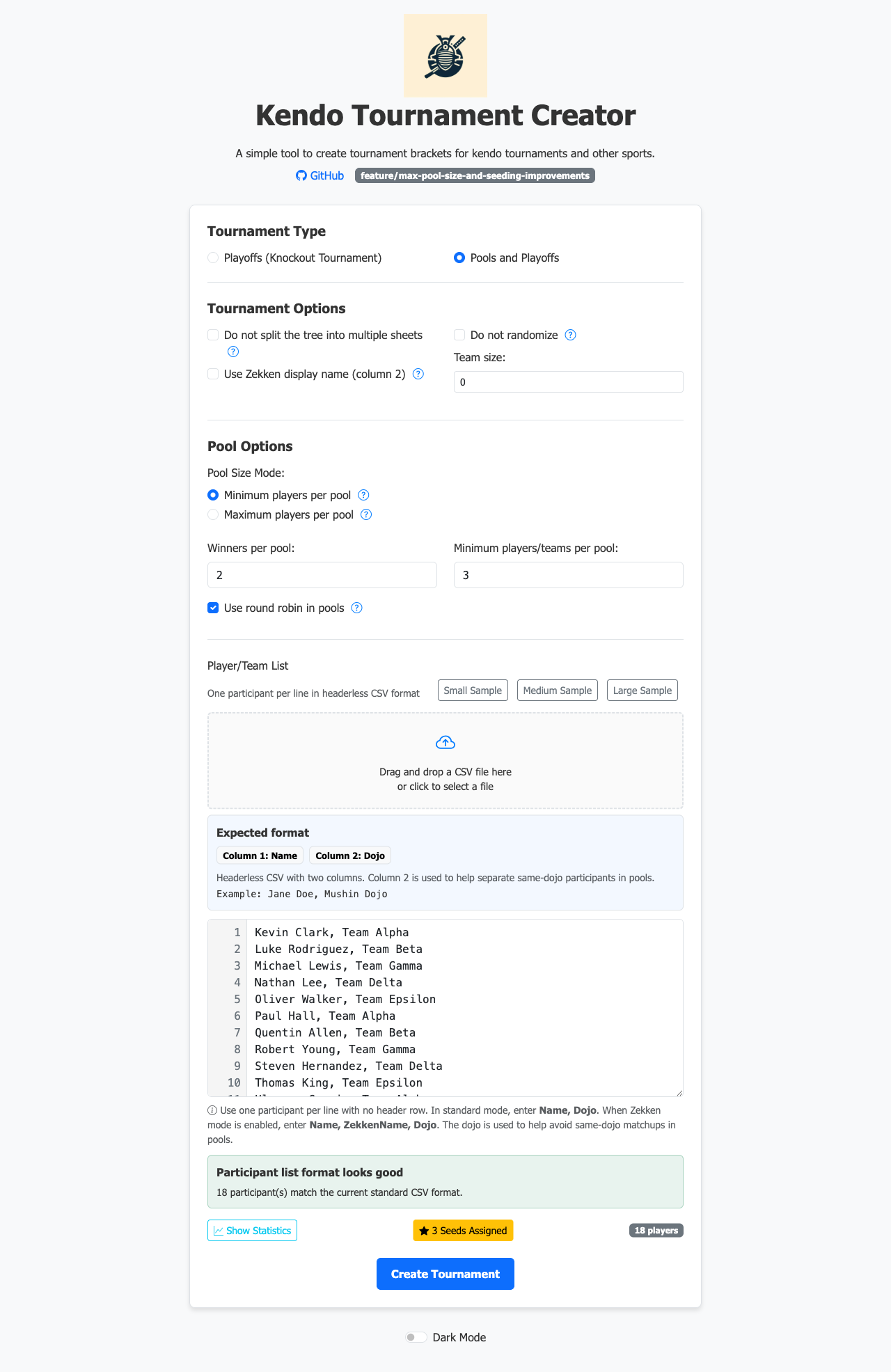
After confirming, the assigned seeds are shown inline next to each participant name.
Downloading the bracket
Click Generate to produce the Excel file. The browser downloads the .xlsx directly — no server-side storage, no account needed.