Legacy Web UI
The Legacy Web UI is the organiser's tool for the days before the event. It turns a roster into a print-ready bracket from your browser, with no CSV editing. It is a standalone one-shot bracket generator, separate from the tournament app, which takes over on the day for scorers, competitors, and spectators.
You run one command to start the local server, then do everything else in the browser. Start it with the serve command:
Then open http://localhost:8080 in your browser.
Main screen
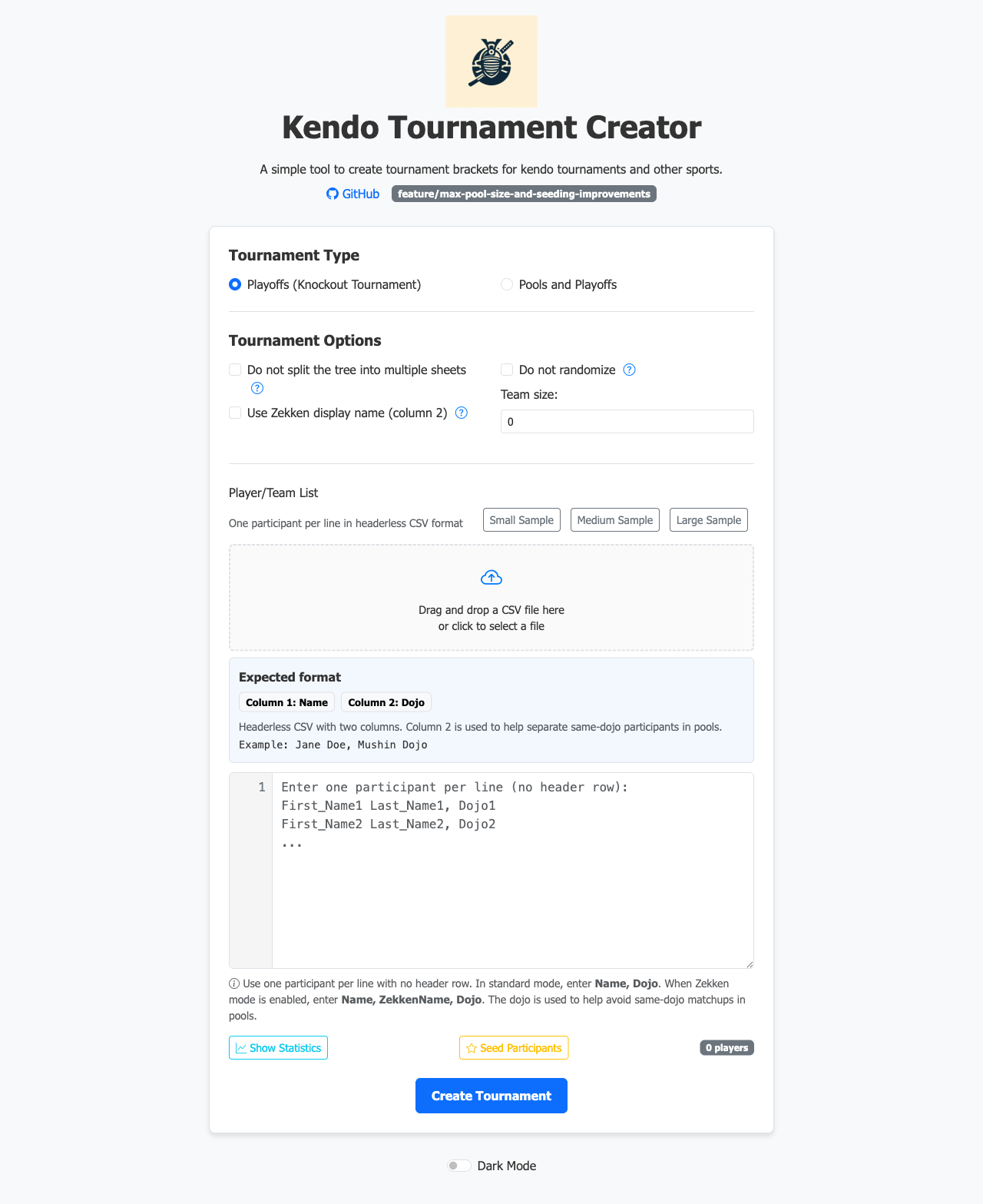
Configure the tournament on the main screen. Choose the format, either Pools + Knockout or Knockout (direct elimination), then set the number of courts, pool sizes, and other options. Upload your participant CSV directly from the browser.
Both formats build a knockout bracket, so the number of courts must be 1, 2, 4, 8 or 16. The bracket is split into one block per shiai-jo, and those blocks merge in pairs, so the count must halve cleanly all the way down. The app refuses any other count and lists the counts to use instead. Refer to Shiai-jo count.
Participant list
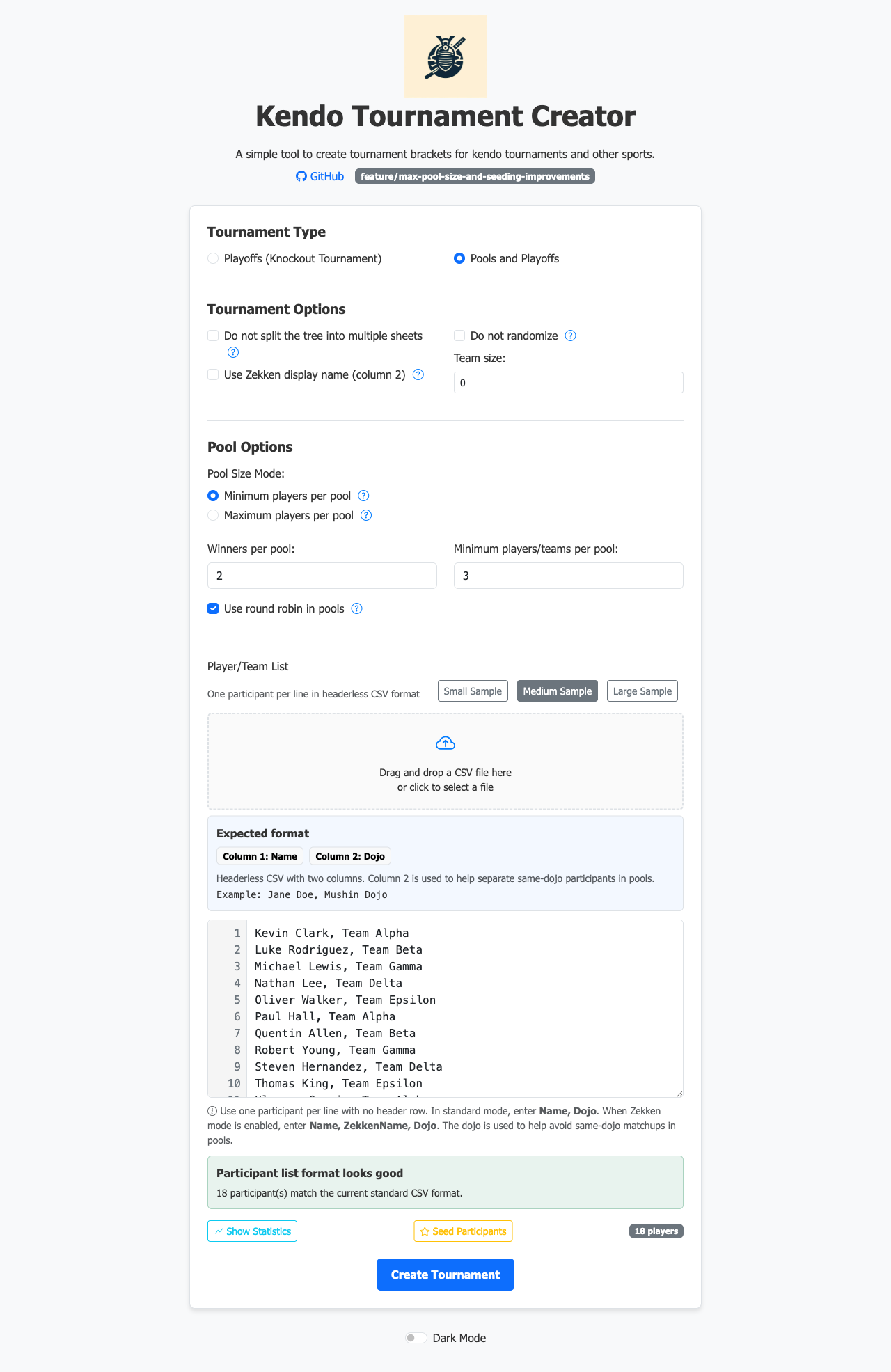
After you upload a CSV, the participant list appears for review before you generate the bracket. A banner under the list reads Participant list format looks good and gives the number of participants read. If the list has problems, the banner reads Participant list needs attention and lists them. Seeding and creating the tournament both refuse until you fix the rows it names. Warnings alone give Participant list looks usable, with a few caveats, and you can carry on.
Seeding
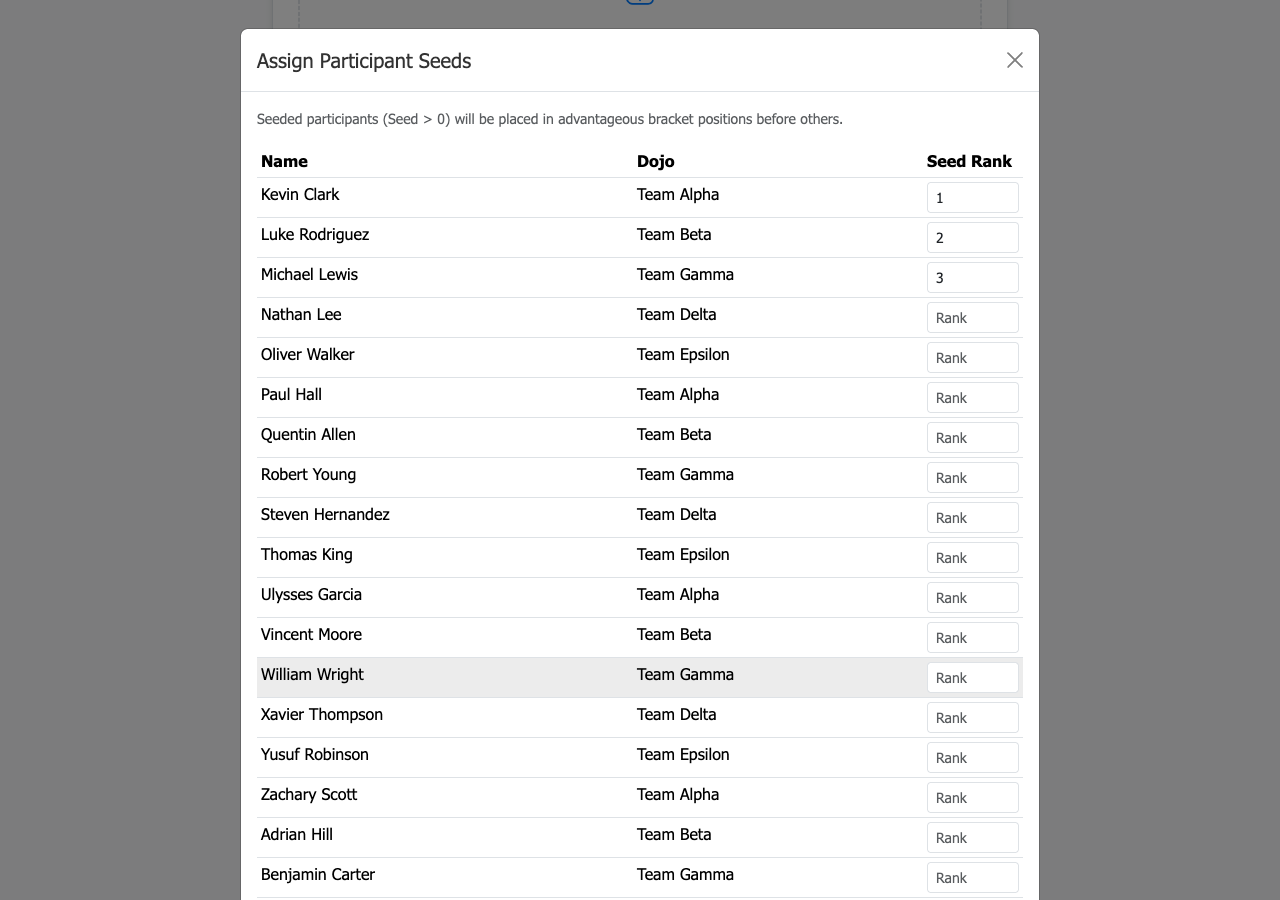
Click Seed Participants to open the seeding modal. Type a seed number into each participant's rank field. Seeds control which competitors are kept apart in the early rounds.
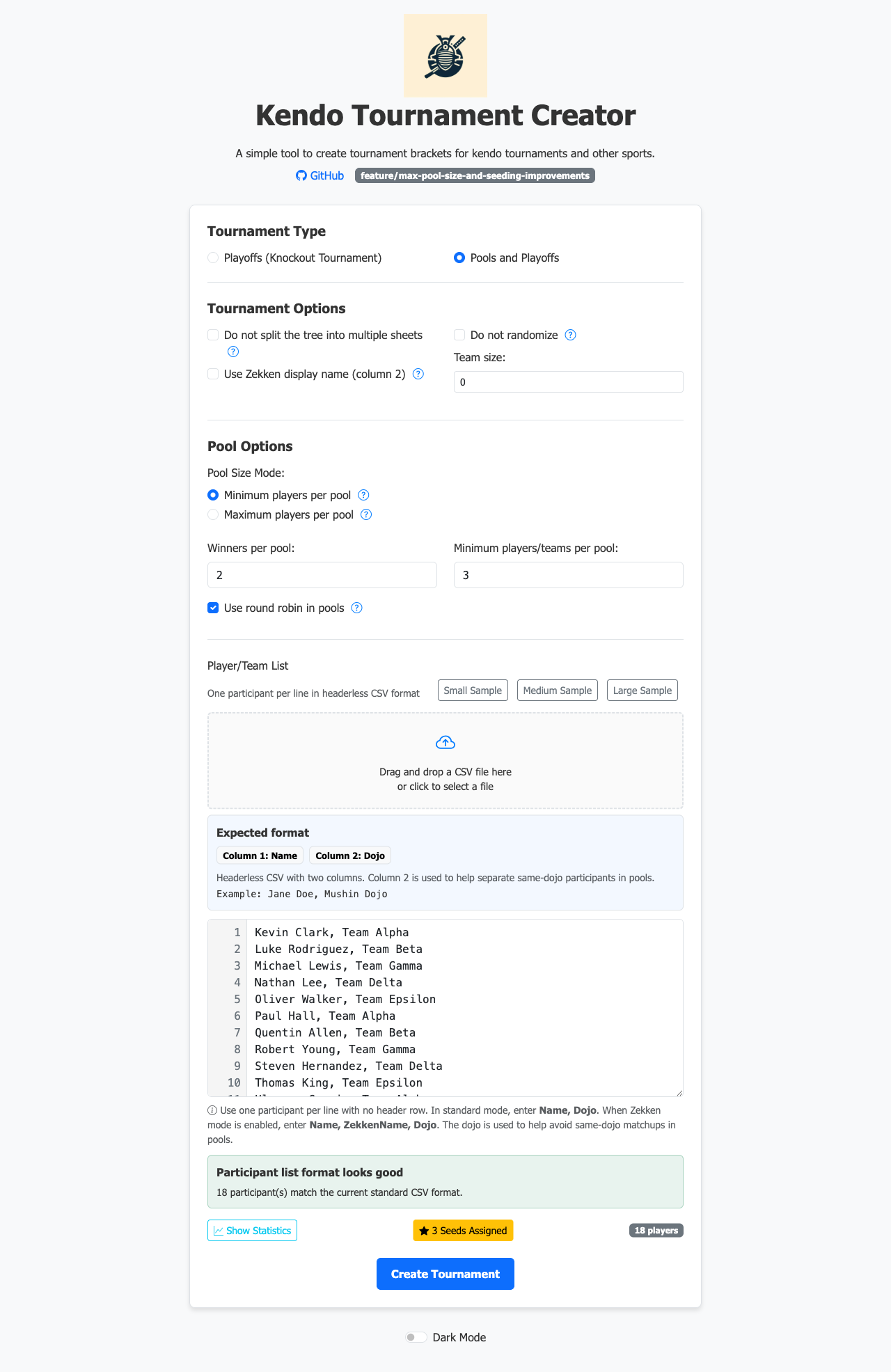
After confirming, the button reads N Seeds Assigned, where N is the number of seeds you set. The list itself does not change.
Download the bracket
Click Create Tournament to produce the Excel file. The browser downloads the .xlsx directly (no server-side storage, no account needed).