Template cards
The portal surfaces four template cards on the Backstage Create page. Each card is a guided form that provisions Vault infrastructure through HCP Terraform. No Terraform code is required.
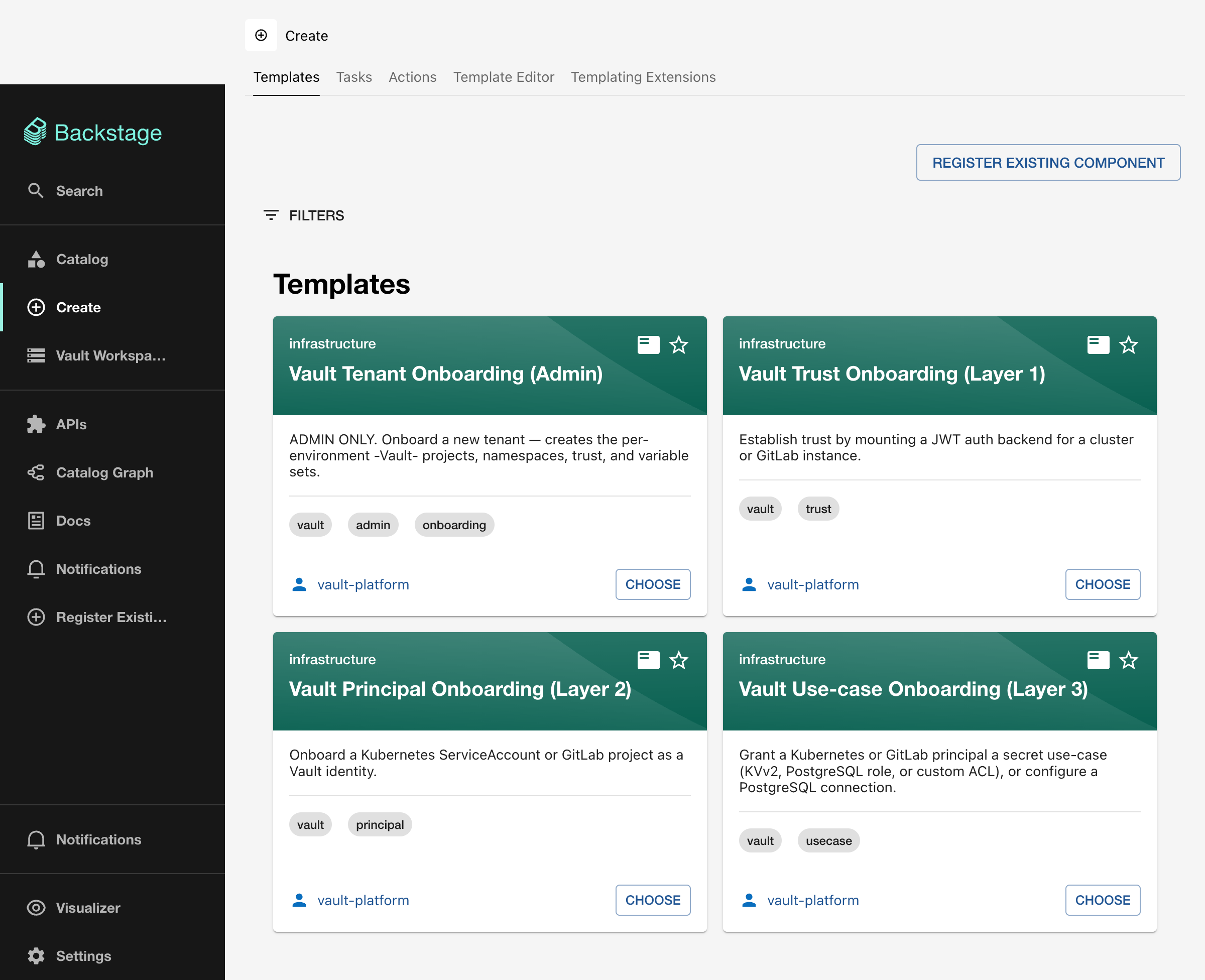
Card overview
| Card | Layer | Audience | Description |
|---|---|---|---|
| Vault Tenant Onboarding (Admin) | L0 | Platform team | Creates HCP Terraform projects, Vault namespaces, trust, and variable sets for a new tenant |
| Vault Trust Onboarding | L1 | Platform team | Mounts a JWT auth backend for a Kubernetes cluster or GitLab instance |
| Vault Principal Onboarding | L2 | App teams | Registers a Kubernetes ServiceAccount or GitLab project as a Vault identity |
| Vault Use-case Onboarding | L3 | App teams | Grants KVv2, PostgreSQL role, custom ACL, or PostgreSQL connection access |
Execution flow
Every card follows the same pattern:
- User clicks CHOOSE on the card
- Fills in the form fields (1 step per card, with conditional fields based on selections)
- Clicks Create
- The scaffolder runs the
hcptf:nocode:provisionaction - An HCP Terraform workspace is created and the no-code module is applied
- Links to the workspace and run are returned
Entity Pickers
Cards at L1 and above include Entity Picker fields that list only the relevant upstream entities. For example, the Trust card shows only vault-target Resources created by the Admin card. If the picker is empty, you need to run the upstream template first.