L1: Vault trust onboarding
What it does
Establishes OIDC trust between Vault and an external identity provider by mounting a JWT auth backend. This enables workloads from that provider to authenticate to Vault using their native tokens.
Two trust types are supported:
- Kubernetes / OpenShift cluster: uses the cluster’s ServiceAccount OIDC issuer
- GitLab instance: uses GitLab CI/CD ID tokens
Terraform modules
| Trust type | Module |
|---|---|
| Kubernetes | terraform-vault-cluster-onboarding |
| GitLab | terraform-vault-gitlab-onboarding |
Form fields
Common fields
| Field | Required | Type | Description |
|---|---|---|---|
| Tenant / Environment | Yes | Entity Picker | Select the tenant target created by L0. Filters to vault-target Resources. |
| Workspace Name | Yes | string |
Unique HCP Terraform workspace name, such as sdi-dev-cluster-trust. |
| Trust Type | Yes | enum |
Kubernetes / OpenShift cluster or GitLab instance. |
Kubernetes-specific fields
The following fields appear when you set Trust Type to Kubernetes / OpenShift cluster.
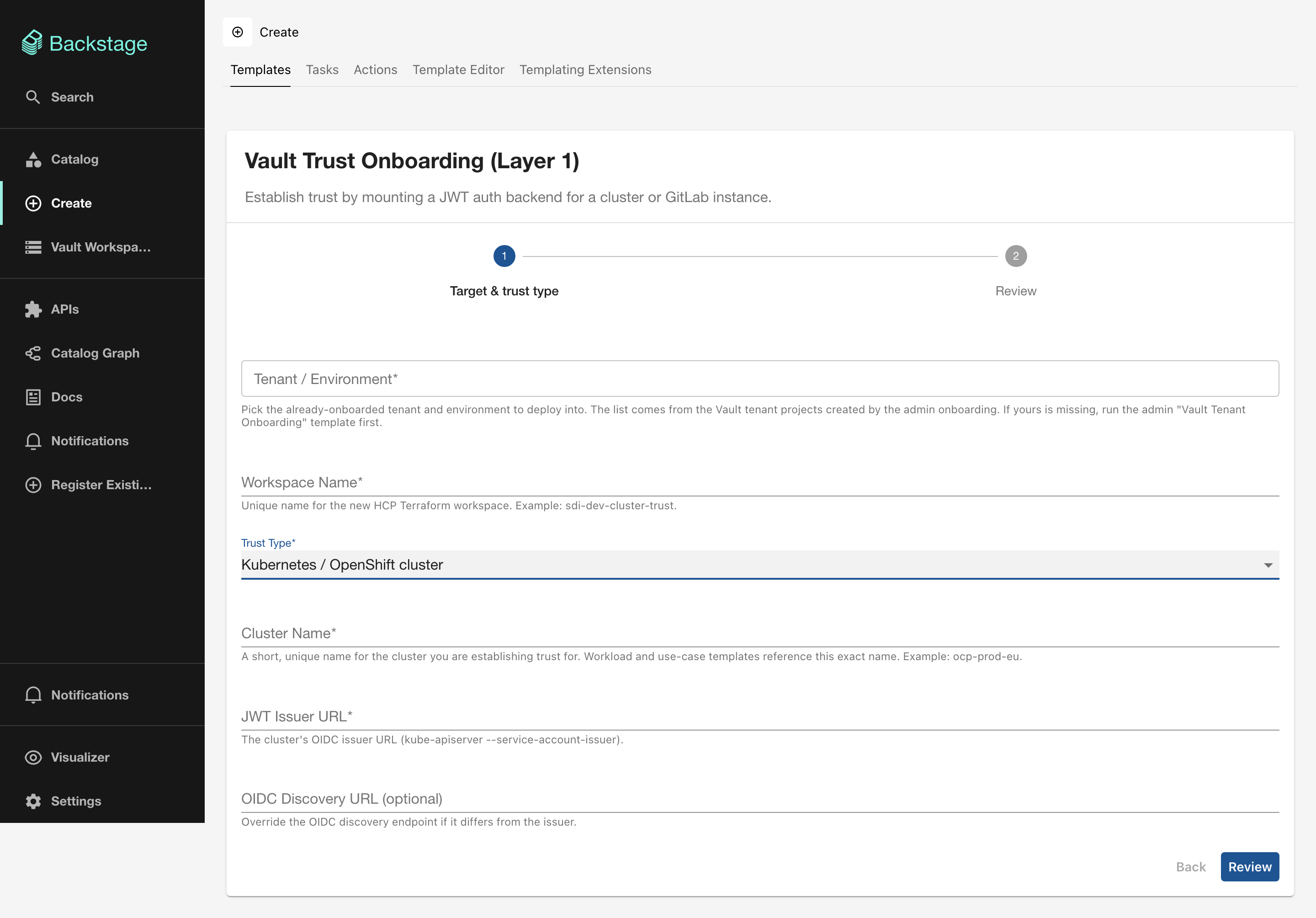
| Field | Required | Type | Description |
|---|---|---|---|
| Cluster Name | Yes | string |
Short unique cluster identifier, such as ocp-prod-eu. Downstream templates reference this name exactly. |
| JWT Issuer URL | Yes | string |
The cluster’s OIDC issuer URL (kube-apiserver --service-account-issuer). |
| OIDC Discovery URL | No | string |
Override the OIDC discovery endpoint if it differs from the issuer. |
GitLab-specific fields
The following fields appear when you set Trust Type to GitLab instance.
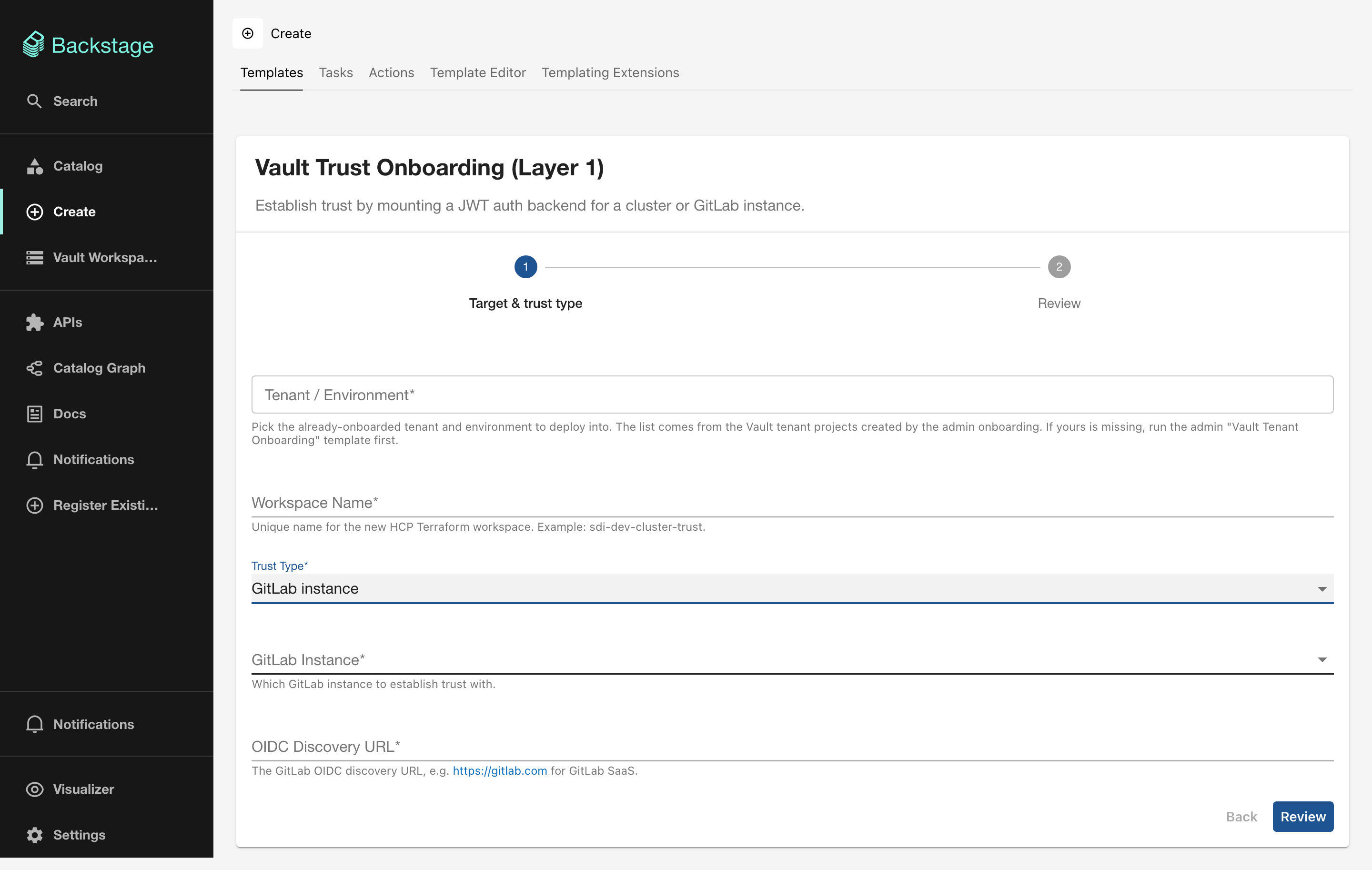
| Field | Required | Type | Description |
|---|---|---|---|
| GitLab Instance | Yes | enum |
cloud, dedicated-prod, or dedicated-dev. |
| OIDC Discovery URL | Yes | string |
The GitLab OIDC discovery URL, such as https://gitlab.com for GitLab SaaS. |
Output
- HCP Terraform run status
- Link to the HCP Terraform Workspace
- Link to the HCP Terraform Run
What to do next
With trust established, application teams can register their workloads using L2: Workload onboarding.